
Remove a passerby from a stadium photo
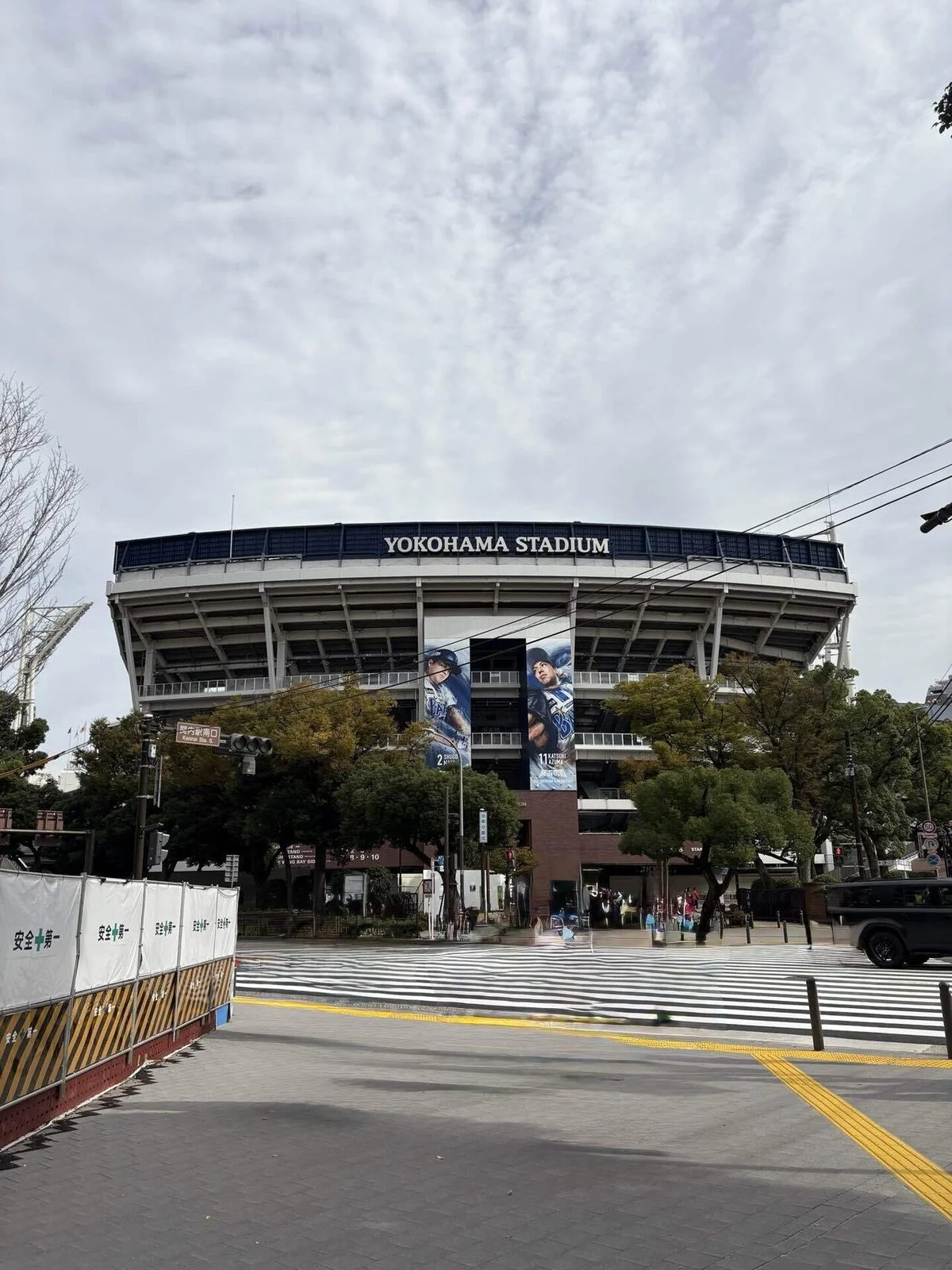
Open the stadium photo in Photos, choose Edit and Clean Up, then tap the unwanted passerby. Check the filled area before saving.
Source image unavailableRead original source ↗
Open the stadium photo in Photos, choose Edit and Clean Up, then tap the unwanted passerby. Check the filled area before saving.